
Overview
Bad Copy Pro is a specialized utility designed to address the persistent challenge of data loss across a broad spectrum of storage media. The application enables users to recover files that have been accidentally deleted, retrieve data from discs that are unreadable due to physical or formatting issues, and process damaged or defective files. Its primary purpose is to restore access to critical information stored on devices such as CDs, DVDs, USB drives, memory cards, and even legacy formats like floppy disks. This makes it particularly valuable for users who rely on older hardware or have experienced media corruption due to improper handling or burning errors.
Target users include individuals managing personal archives, small business operators with outdated storage systems, and technical users needing to extract data from compromised media. While the developer’s background is not detailed in the provided information, the app’s longevity—first released in 2008—suggests a proven track record in data recovery solutions. Real-world use cases range from retrieving lost project files from a corrupted DVD to salvaging important documents from a failing USB drive. In the broader app ecosystem, Bad Copy Pro occupies a niche role as a dedicated recovery tool, filling a gap left by general-purpose file managers that lack the depth required for complex media recovery tasks.
Key Features & Functionality
- Multi-Session Recovery: Bad Copy Pro can access and recover data from each session of a multi-session disc. This feature is especially useful for users who have added files to a disc over time, ensuring no data is left behind during the recovery process.
- Improperly Burned Disc Retrieval: The application is engineered to extract information from discs that were burned incorrectly, offering a lifeline for files that might otherwise be considered permanently lost due to burning errors.
- File Format Selection: Users can choose the desired file format during recovery, allowing for customized output that aligns with their current system or software requirements, enhancing compatibility and usability.
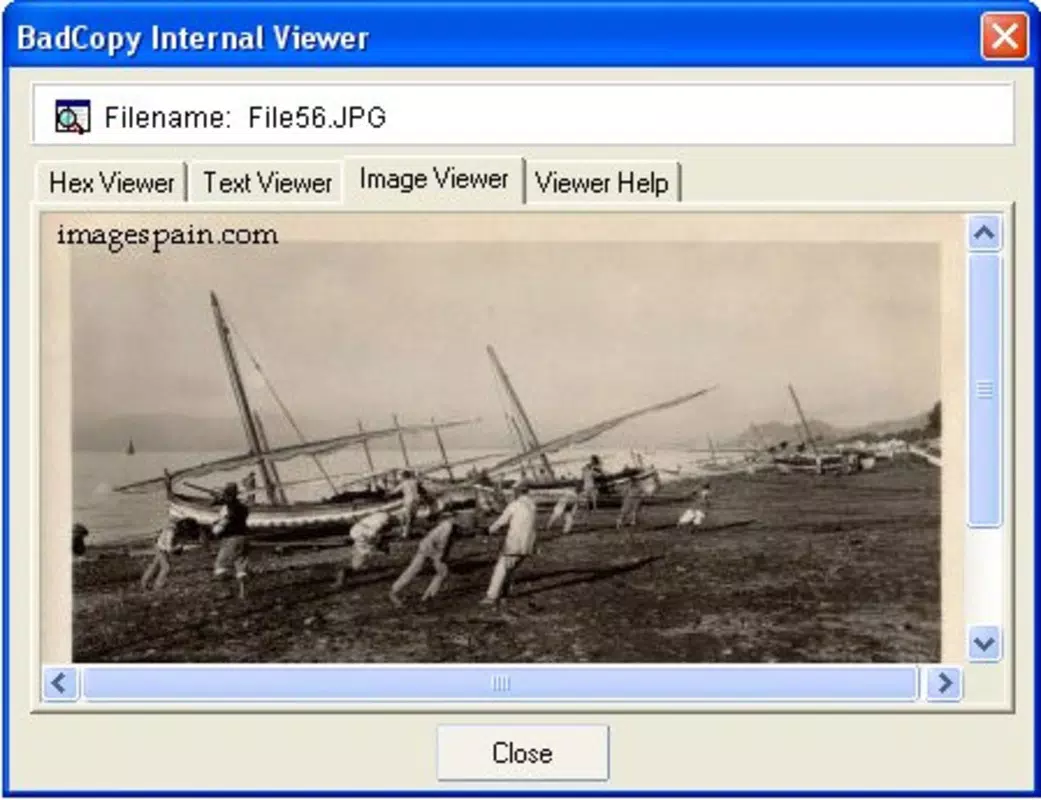
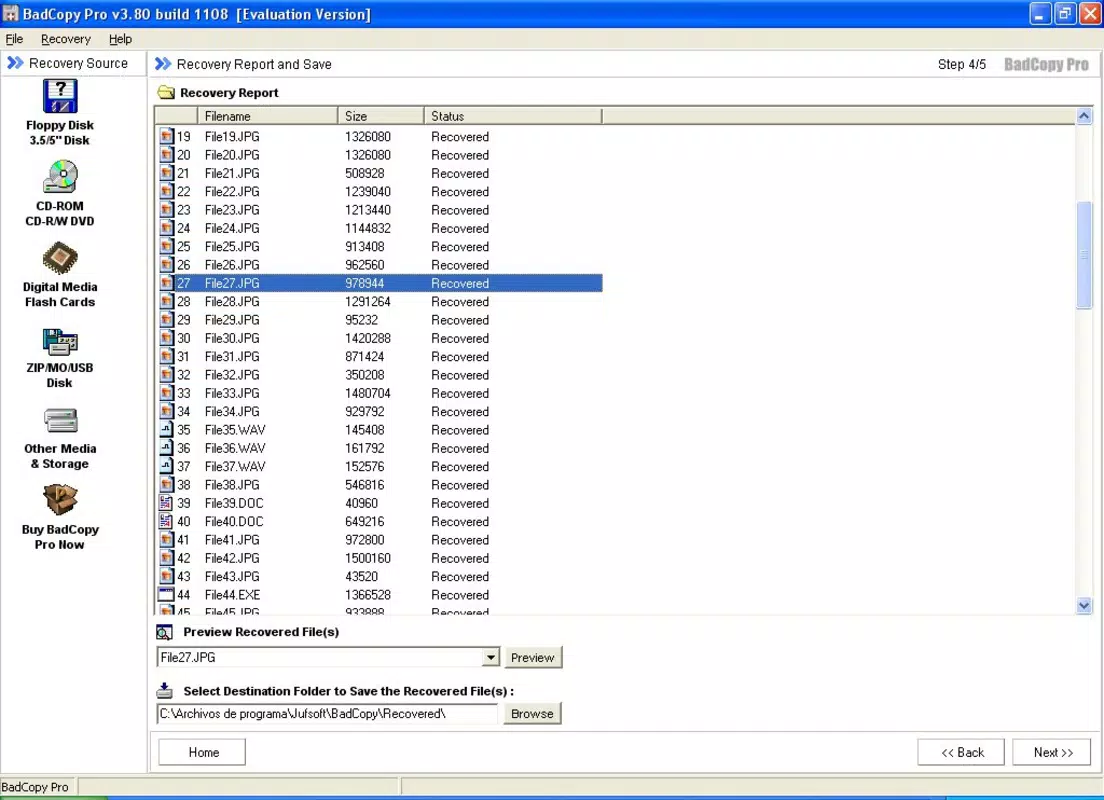
- Preview Before Recovery: A built-in preview tool enables users to inspect file contents before initiating the recovery process, reducing the risk of restoring irrelevant or corrupted data and improving overall efficiency.
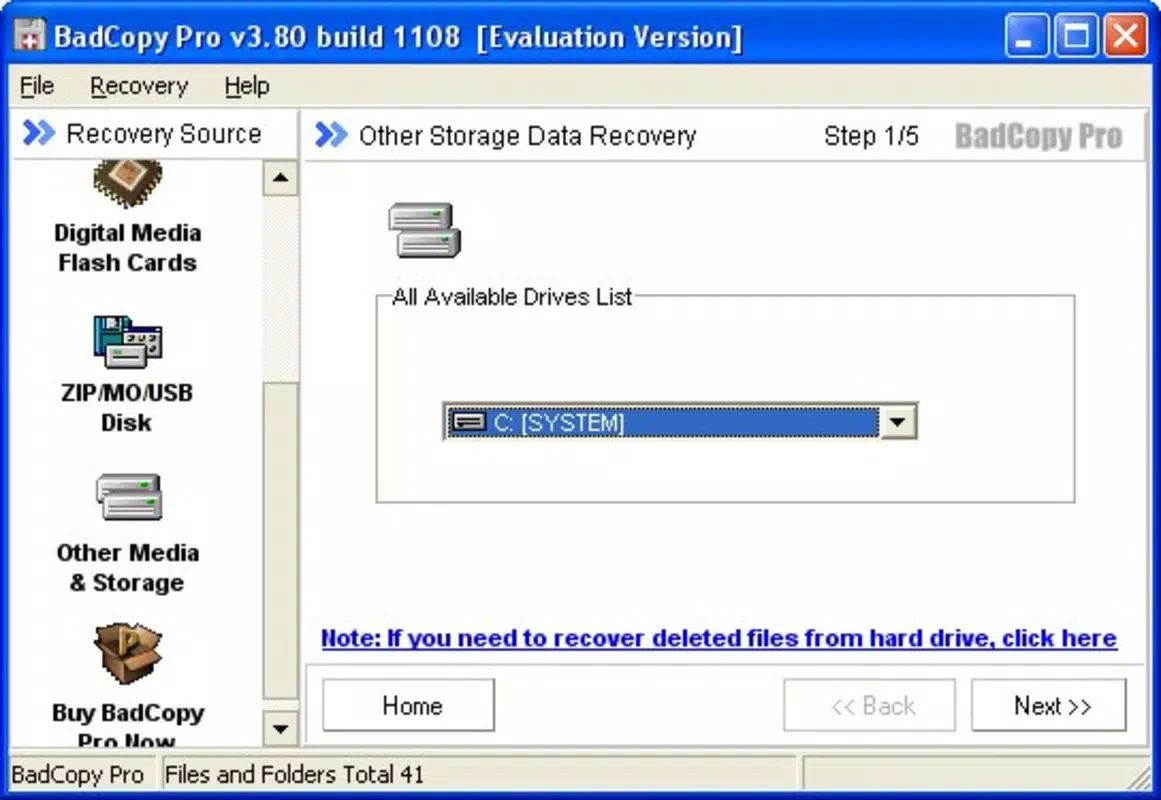
- Wide Compatibility: The program supports a broad range of storage devices, including hard drives, USB drives, memory cards, and optical media, making it a versatile solution for diverse data recovery needs.
For example, a user attempting to recover a project file from a DVD burned in multiple sessions can use the multi-session recovery function to access the latest version. Similarly, someone with a USB drive that shows read errors can leverage the improperly burned disc retrieval feature to recover critical documents. The ability to preview files beforehand ensures that users do not waste time or storage space on unnecessary restorations, making the tool both efficient and user-focused.
Interface, UX & Performance
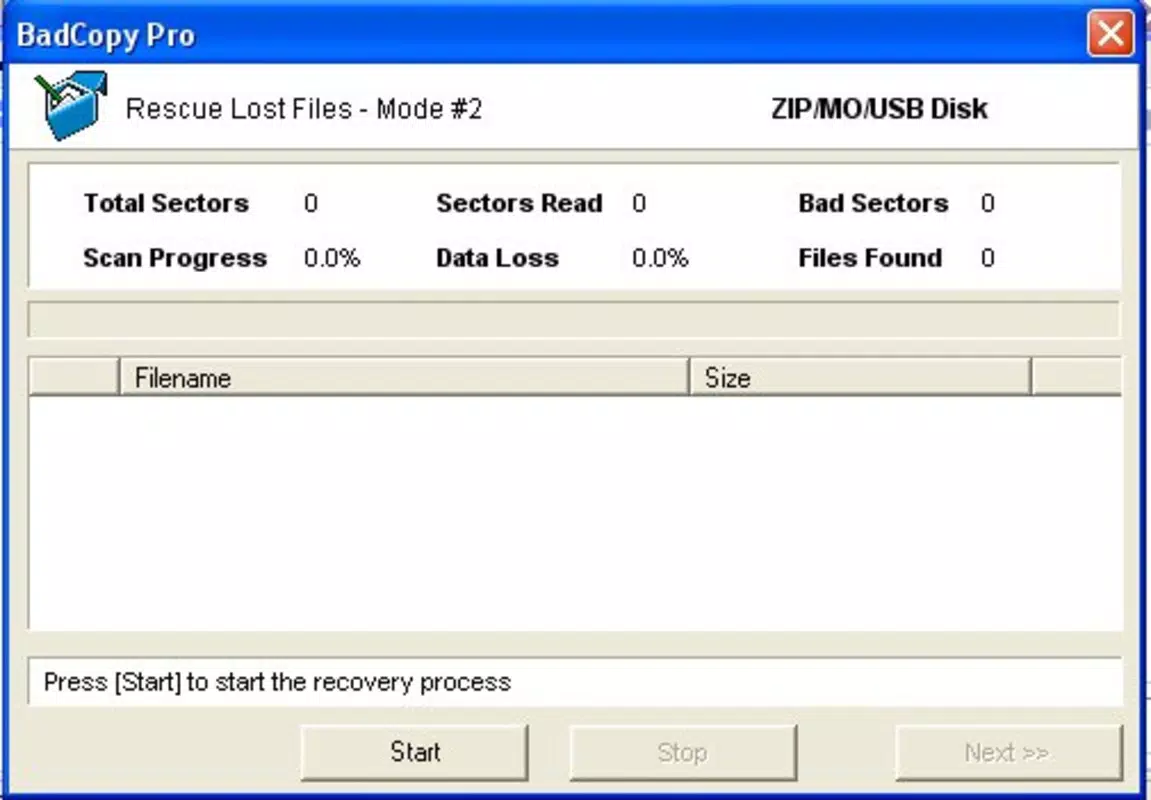
Bad Copy Pro features a user-friendly interface designed to simplify the data recovery process, even for users without technical expertise. The layout is structured around clear navigation paths, with intuitive controls for selecting recovery sources, viewing file previews, and choosing output formats. Visual design elements are functional rather than ornamental, prioritizing clarity and ease of use over aesthetic flair. This approach ensures that users can focus on the recovery task without distraction.
Navigation is linear and consistent, guiding users through each stage of the recovery workflow: device selection, scan initiation, file preview, and final recovery. The responsiveness of the interface appears to be optimized for typical desktop environments, though specific performance metrics were not provided. Although the developer did not list formal performance metrics, the app’s ability to handle complex recovery tasks suggests a stable backend operation. Stability is further supported by its long-standing presence in the market since 2008. Users can expect consistent behavior across different device categories, though compatibility with modern hardware may vary depending on system configurations.
Platform Compatibility & Technical Requirements
Bad Copy Pro is available for desktop platforms, though specific operating system details were not provided. The application is designed to work with a wide range of storage devices, including CDs, DVDs, USB drives, memory cards, and older formats like floppy disks. The file size is not specified in the input, but given its functionality, it likely requires moderate system resources. The developer did not specify minimum OS requirements or compatibility with newer operating systems.
While the app’s release date is listed as April 7, 2008, no information was provided regarding the latest software version or update frequency. Users should exercise caution when installing older software on modern systems, as compatibility and security risks may arise. The developer did not disclose whether the app supports cloud integration, remote access, or automated backup features. Specific technical requirements were not listed, so users are advised to consult official sources for detailed system compatibility.
Pros and Cons
Pros
- Supports recovery from multi-session discs, maximizing data retrieval potential.
- Effective at recovering data from improperly burned or damaged media.
- Offers file format selection for customized recovery outputs.
- Includes a preview function to verify file contents before recovery.
- Compatible with a wide variety of storage devices, including legacy formats.
Cons
- Developer did not provide specific technical requirements or system compatibility details.
- No information on update frequency or long-term support.
- Platform availability (Android, iOS, desktop) was not fully disclosed.
- Latest version and file size were not specified.
- Security and privacy practices were not outlined in the provided data.
FAQ
Is Bad Copy Pro safe to download and install?
The safety of the application depends on the source. Users should obtain Bad Copy Pro only from official or trusted distributors to avoid potential malware or unauthorized modifications.
Can I use Bad Copy Pro on modern operating systems?
While the app was released in 2008, compatibility with current operating systems is uncertain. Users should verify system requirements before installation, as older software may not function properly on newer platforms.
Does Bad Copy Pro support mobile devices?
There is no indication that Bad Copy Pro is available for mobile platforms such as Android or iOS. The application appears to be designed for desktop use, though the developer did not confirm platform availability.
How often is Bad Copy Pro updated?
The update frequency is not publicly disclosed. Given the app’s release date in 2008, users should assess whether ongoing support and security patches are available.
Can I recover files from a corrupted hard drive using Bad Copy Pro?
Yes, the application supports recovery from hard drives, provided the drive is physically accessible and readable by the system. However, severe physical damage may limit recovery success.
Final Thoughts
Bad Copy Pro stands out as a dependable tool for users facing data loss on optical media and removable storage devices. Its ability to recover files from multi-session discs, improperly burned media, and damaged files makes it a valuable asset for both personal and professional use. The inclusion of a preview function and format selection enhances user control and reduces recovery errors. While the lack of updated technical details and platform clarity presents some uncertainty, the app’s proven functionality and broad compatibility remain compelling.
Individuals who frequently work with older media formats, manage archival data, or need to retrieve lost files from unreliable storage will benefit most from this utility. For those seeking a secure, efficient, and versatile solution to data recovery challenges, Bad Copy Pro delivers tangible value. Despite its age, it continues to serve a niche yet essential role in digital preservation.
Download Bad Copy Pro now


